
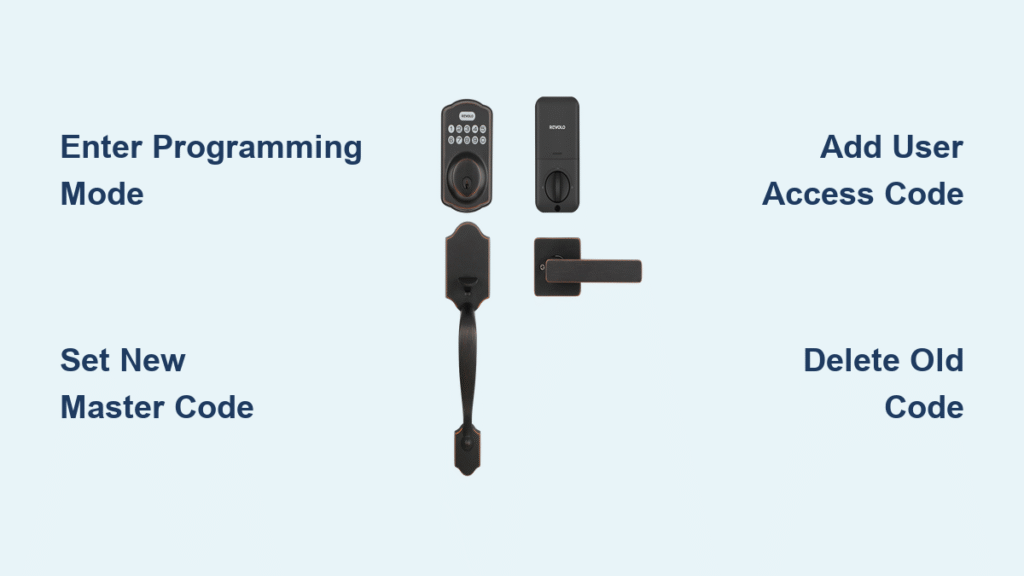
That moment when you realize your housekeeper just moved out but still has access to your home is enough to make anyone break into a cold sweat. Or perhaps you’ve simply forgotten your Revolo smart lock code after not using it for months. Changing your access code doesn’t require calling a locksmith or replacing the entire unit—Revolo smart locks let you update codes in under five minutes. This guide delivers precise instructions for every Revolo model, whether you’re adding guest codes, removing former residents’ access, or performing a complete security reset.
Knowing how to change your Revolo smart lock code protects your home from unauthorized entry while maintaining convenient access for those who need it. You’ll learn multiple methods depending on your situation—whether you have the master code, are completely locked out, or need to manage temporary access for deliveries and service providers. Most homeowners can complete these procedures without tools or technical expertise, saving hundreds compared to professional lock rekeying services.
Locate Your Revolo Programming Code Before Making Changes
Remove the battery cover by sliding the tab at the bottom of your lock housing. Inside the compartment, find the white sticker displaying your unique 6-digit programming code labeled “Prog” or “PC.” This master key unlocks all configuration options for your Revolo smart lock. Keep this number secure but accessible—ideally stored with your important documents rather than taped to the lock itself.
Can’t find your programming code? Check your original packaging materials or installation manual where Revolo includes a backup card with this critical number. If you’ve lost all documentation, you’ll need to perform a factory reset—this erases all stored codes but restores default access. The Revolo S model requires this step more frequently since it stores fewer backup codes than the S1 or S2 Pro versions.
Change Your Master Code Using the Keypad Interface
Press and hold the Program button until the keypad illuminates with a steady blue light. Enter your current master code followed by the sequence 1-#. Input your new 6-digit master code carefully, then press # to confirm. Repeat the new code exactly as before and press # once more. Two confirmation beeps and a green flash indicate successful update.
Avoid this common error: Many homeowners enter the new code only once, causing the lock to reject the change. Revolo’s double-confirmation system prevents accidental code modifications. If you see red flashes instead of green, your previous master code remains active—start over and ensure you’re entering the new code twice with # separators. The S2 Pro model provides voice confirmation of successful changes through its built-in speaker.
Reset Your Revolo Lock Without Master Code Access
When you’ve lost both your master code and programming code, remove all batteries from the compartment. Press and hold the Lock button while reinstalling fresh batteries. Continue holding for exactly 10 seconds until three distinct beeps sound. Immediately release and enter 000000# to initiate the factory reset sequence.
Critical warning: This procedure erases every stored code—including master, user, and temporary access codes. You’ll need to reprogram all access from scratch using the default master code (usually 123456). Reserve this method for emergencies like moving into a new home where previous owners may have retained access. The Revolo S1 requires this reset more often than newer models since it lacks cloud backup capabilities.
Add New User Access Codes in Under 60 Seconds

Enter programming mode by pressing Program + your master code + #. Press 3 to select the “Add User Code” option. Enter a 4-8 digit code of your choice, press #, then repeat the same code for verification. Two beeps and a green flash confirm successful addition to your lock’s memory.
Smart organization tip: Create a systematic approach for user codes—assign 1000-series numbers for family members, 2000-series for regular guests, and 3000-series for service providers. This makes managing multiple users effortless, especially on the S2 Pro model which supports up to 100 unique codes. For enhanced security, avoid obvious patterns like birthdays or sequential numbers that could be easily guessed.
Delete Individual User Codes Without Affecting Others
Access programming mode (Program + master code + #), then press 5 to select code deletion. Enter the specific user code you want to remove followed by #. The lock confirms deletion with two beeps and a green indicator light. The freed slot becomes immediately available for new codes without disrupting other access credentials.
Quick verification method: Before deleting a code, test it first to confirm which user it belongs to—especially helpful when managing multiple service providers. Unlike some smart locks, Revolo maintains chronological order of remaining codes after deletion, so your numbering system stays intact. The basic S model shows remaining code capacity through LED flashes—three rapid flashes indicate only three slots remain available.
Create Time-Limited Access for Guests and Services
Enter programming mode, then press 7 to access temporary code options. Input your desired 4-8 digit code followed by #. Enter the expiration date in MMDDYY format (for example, 013125 for January 31, 2025) and press # to confirm. The lock automatically deactivates this code at midnight on the specified date.
Important limitation: Only Revolo S2 and S2 Pro models support temporary codes—the basic S version requires manual deletion. Always double-check your expiration date entry, as incorrect formatting (like using slashes instead of direct numbers) will cause the lock to reject the code. This feature proves invaluable for Airbnb hosts or when expecting package deliveries while away from home.
Troubleshoot Common Code Change Failures Immediately
Unresponsive keypad? Replace all four AA batteries simultaneously—partial battery replacement causes inconsistent performance. Clean the keypad surface with a dry microfiber cloth to remove dirt buildup that interferes with button presses. The Revolo S model particularly suffers from contact issues when batteries dip below 20% capacity.
Code rejection issues? Verify you’re using the correct programming sequence—many users accidentally skip the # confirmation step after entering codes. Watch for visual feedback: green means success, red indicates error. If your new code gets rejected, ensure it meets security requirements—Revolo blocks obvious patterns like 1234 or 1111 for security reasons. Try a more complex combination like 7392 that avoids sequential or repeating digits.
Persistent failure? Perform a soft reset by removing batteries for 30 seconds before reinserting. This clears temporary memory glitches without erasing your codes. The S2 Pro model often resolves programming issues through its mobile app interface when keypad methods fail.
Maintain Code Security Through Smart Battery Management
Revolo smart locks retain all programmed codes during normal battery changes, but complete power loss for over 30 days may cause memory reset. Replace batteries within one week of seeing the low-power indicator—typically a slow blink pattern on the keypad. The lock continues functioning for approximately 200 operations after the first warning appears.
Proactive battery strategy: Keep spare alkaline AA batteries in your home—never use rechargeable batteries as their inconsistent voltage causes programming errors. When replacing, clean the battery contacts with a cotton swab to ensure proper connection. The S2 Pro model sends mobile notifications about battery status, while basic models rely solely on visual indicators.
Implement Essential Security Practices for Code Management
Change your master code every six months, especially after contractors or previous residents had access to your property. Never use easily guessable information like birthdays or street addresses in your codes. Create separate user codes for each family member rather than sharing the master code—this lets you track and remove individual access without disrupting others.
Advanced security measure: When changing codes after tenant turnover, delete old codes immediately rather than letting them remain dormant. The S2 Pro’s audit log feature shows exactly which codes were used and when—review this monthly for suspicious activity patterns. Store your programming code in a fireproof safe rather than on your phone where it could be compromised during device theft.
Final Note: Your Revolo smart lock stores all access codes locally, ensuring you maintain entry even during internet outages—a significant advantage over cloud-dependent systems. After changing any code, test it three times before considering the process complete to verify reliable operation. Keep your programming documentation in a secure location separate from your home, such as a safety deposit box, so you can regain access even during emergencies. Regular code updates combined with proper battery maintenance will keep your Revolo lock securing your home reliably for years to come.



