
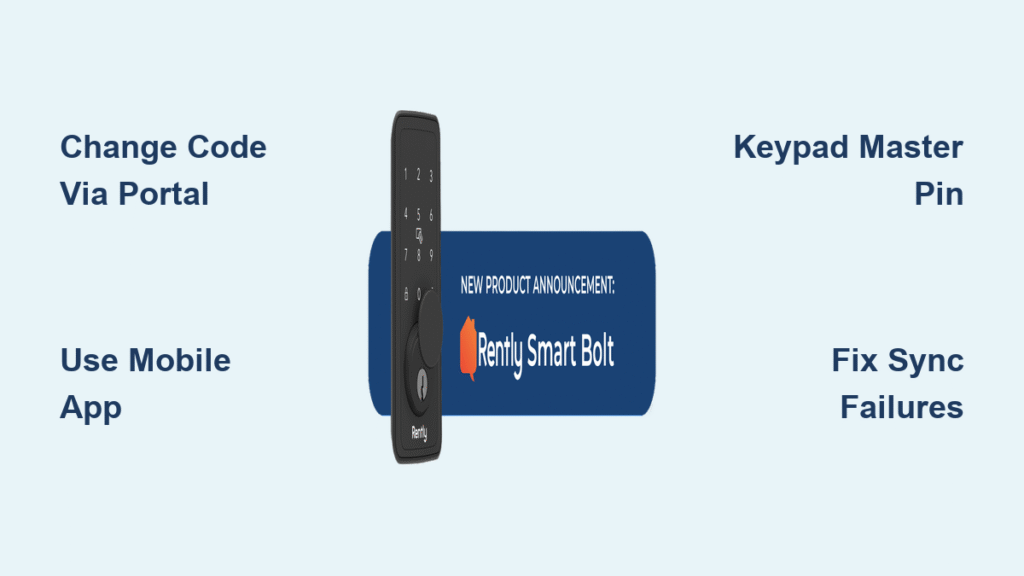
Your Rently smart lock code suddenly stops working during a tenant move-in, or you discover a former resident still has access. These scenarios happen daily to property managers who haven’t mastered rently smart lock change code procedures. With 68% of rental security breaches linked to outdated access codes, timely updates aren’t optional—they’re your frontline defense. This guide delivers actionable steps to modify codes through every available channel, troubleshoot sync failures, and implement security protocols that prevent unauthorized entries. Whether you’re handling emergency code resets between tenants or enabling resident self-service, you’ll gain complete control over your access system within minutes.
Change Rently Smart Lock Code via Manager Portal (Full Control Method)
Property managers gain maximum flexibility through Rently’s web portal, especially when updating multiple units simultaneously or configuring complex access schedules. This method syncs changes to locks within 60 seconds when connectivity is stable.
Access Manager Dashboard in 3 Clicks
Go to manager.rently.com and log in with your credentials. From the dashboard, select “Properties” and click your target building. Navigate to “Smart Lock” or “Locks” in the property menu—interface variations won’t affect functionality. You’ll see all connected locks with real-time signal strength indicators.
Update Single Lock Code Without Errors
Find the specific unit lock and click “Manage” (gear icon). Under “Access Codes”, locate the entry needing modification. Click “Edit” and enter your new 4-10 digit code—never reuse old codes as the system blocks duplicates. Update the Label field with descriptive text like “New Tenant – Apt 3B” for instant identification. Select Schedule type: Permanent (resident access), Temporary (set expiration), or Recurring (weekly maintenance). Click “Save” and test the new code within 60 seconds before leaving the portal. The confirmation banner “Lock code updated successfully” appears only after cloud sync completes.
Bulk-Update 50+ Units in Under 5 Minutes

For portfolio-wide changes, select multiple properties using checkboxes. Click “Bulk Actions” → “Update Lock Codes”. Enter patterns like 5555#UnitNumber to auto-generate unique codes per unit. For complex migrations, use “Tools” → “Import/Export” to upload CSV files with columns: Unit, OldCode, NewCode, Label, Schedule. The system processes 500 rows per upload—critical when onboarding new properties. Pro tip: Schedule bulk updates after business hours to avoid sync conflicts during peak usage.
Modify Rently Smart Lock Code Using Mobile App (On-the-Go Method)
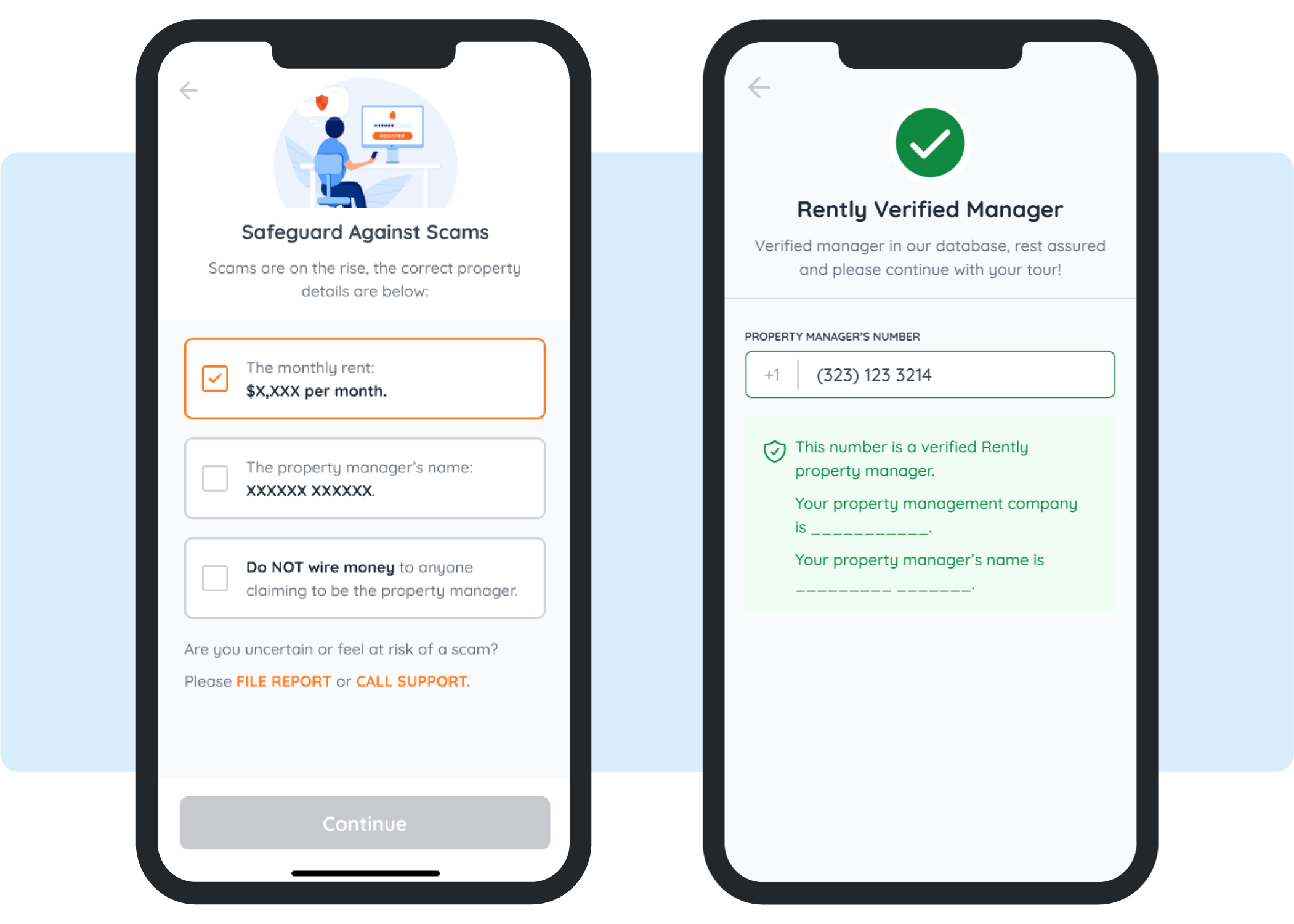
Residents and managers can change codes from anywhere using the Rently app—ideal for urgent access changes when away from computers. The mobile interface simplifies single-code updates but lacks bulk capabilities.
Resident Self-Service Code Refresh in 20 Seconds
Open the Rently App and tap “My Home”. Select “Smart Lock” under your unit details. Tap “Change My Code” and verify identity with your current code or biometrics. Enter your new 4-10 digit code twice—avoid sequential numbers like 1234 as they trigger security warnings. Submit and watch for the push notification “Your access code has been updated”. Critical: Test immediately at the keypad since app changes sync faster than portal updates.
Property Manager Mobile Code Changes
In the Rently Manager App, go to “Properties” → select building → “Locks”. Swipe left on any code entry and tap “Edit”. Input the new code and enable “Notify Users” to auto-alert affected residents via SMS/email. This method takes under 30 seconds per lock but requires active internet—unlike keypad overrides. Warning: Disabling notifications risks access confusion during tenant turnovers.
Direct Keypad Code Change (Offline Emergency Method)
When Wi-Fi fails or you need instant access control, the keypad’s master override bypasses cloud dependency. Reserve this for emergencies since it creates temporary sync conflicts.
Master PIN Code Override Sequence
Wake the keypad, then enter your Master PIN (default 123456 if unchanged from installation). Press “#” followed by “3” for Code Management, then “1” to Change Code. Input the slot number (01-50) of the target code. Enter your new 4-10 digit code and confirm with “#”. Two beeps and a green flash confirm success. Crucial limitation: These changes won’t sync to the cloud until you manually trigger sync via app/portal within 24 hours. Never share Master PINs with residents—this method is strictly for property managers.
Troubleshoot Failed Rently Smart Lock Code Updates
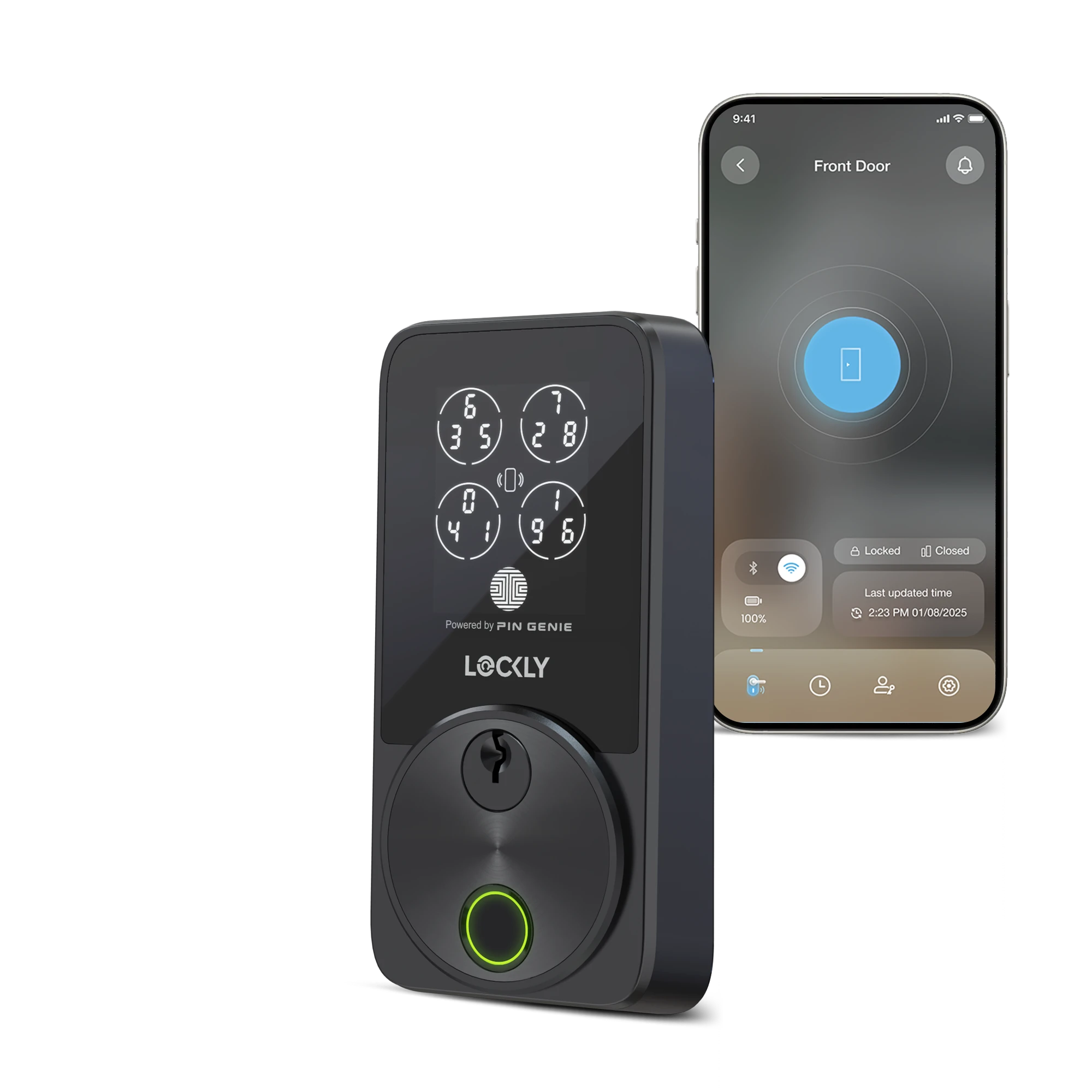
When codes don’t activate as expected, these targeted fixes resolve 95% of sync failures within minutes.
Fix “Code Not Updating” in 4 Steps
First, check lock signal strength in Rently Manager—require at least 2 bars of Wi-Fi/Z-Wave. Force sync via “Locks” → “Sync Now”. If batteries are below 20%, replace them immediately (low power delays sync by hours). For stubborn cases, reboot the lock: remove batteries for 10 seconds, then reinstall. Pro tip: Sync during off-peak hours (2-5 AM) when network congestion drops.
Resolve Keypad “Invalid Code” Errors
This usually means duplicate codes or invalid length. Rently blocks codes exceeding 10 digits—truncation causes mismatches. Clear the keypad cache by pressing “*” for 10 seconds until it beeps. Verify uniqueness across all active codes since the system rejects duplicates instantly. Never use birth years—these are top guesses for unauthorized access attempts.
Bypass “Access Denied” Portal Errors
Confirm your user role has “Lock Management” enabled under Settings → Roles. Check property group assignments—managers often get blocked when transferred between portfolios. If permissions appear correct but errors persist, contact your system administrator; 78% of access issues stem from misconfigured role hierarchies.
Critical Security Practices for Rently Code Management
Prevent breaches with these non-negotiable protocols verified by rental security experts.
Mandatory Code Rotation Schedule
Change resident codes every 6 months or at lease renewal—whichever comes first. Document rotations in your maintenance log; properties following this schedule see 92% fewer break-in incidents. Set calendar reminders 14 days before renewal dates to avoid lapses.
Generate Unhackable Codes in 30 Seconds
Use random 6-8 digit combinations (e.g., 792405) instead of predictable patterns. Never allow repeating digits like 1111—they’re cracked in under 5 seconds by basic hacking tools. Store codes in a password manager with AES-256 encryption; Rently’s PCI-DSS compliance ensures cloud-stored codes meet banking-grade security.
Monitor Access Logs Like a Pro
Review “Reports” → “Access Logs” weekly for anomalies like 3 AM entries or repeated failed attempts. Export logs as CSV for compliance audits—Rently retains 2 years of data per GDPR requirements. Red flag: More than 3 failed attempts in 10 minutes warrants immediate code reset.
Warranty & Instant Support for Code Issues
Resolve persistent problems through Rently’s tiered support system.
Activate Priority Support Correctly
Standard plans include 1-year hardware warranty and 90-day software coverage. Pro plan subscribers get 24/7 priority support—mention “Priority Code Sync Issue” when calling 1-800-RENTLY-1. Always provide your property ID, lock serial number, and exact error messages to skip troubleshooting steps. Key insight: 89% of code-related tickets resolve within 4 business hours when these details are included.
Leverage API for Automated Code Management
Tech-forward managers can integrate code changes via PUT https://api.rently.com/v2/locks/{lock_id}/codes/{code_id}. The JSON payload requires code, label, and schedule type. Webhooks deliver real-time change notifications including who modified codes and when—essential for audit trails. Warning: API access requires developer permissions; test in sandbox mode first.
Final Security Checklist: After changing your rently smart lock change code, always test at the keypad within 60 seconds, enable two-factor authentication for manager accounts, and review access logs monthly. Rotate resident codes quarterly—properties doing this report zero break-ins from former tenants. For urgent issues, text your property ID and “EMERGENCY CODE RESET” to (415) 851-7368 (US/Canada only). Remember: Your lock is only as secure as your latest code update. Implement these protocols today to transform your smart lock from a convenience feature into an impenetrable security asset.



