
You’re standing outside your front door, phone in hand, watching the Vivint app spin endlessly as it fails to unlock your Kwikset 888 SmartCode deadbolt. That sinking feeling hits when you realize this discontinued model has stopped responding to both app commands and keypad entries. Before you call emergency locksmith services or consider replacing the entire lock, a proper reset procedure might restore functionality to your Vivint-integrated Kwikset smart lock—without requiring professional help.
The Kwikset 888 SmartCode with Z-Wave technology, while discontinued, remains in many homes across the country. Its integration with Vivint’s security system creates unique reset challenges compared to standard smart locks, particularly when error codes appear or the lock becomes unresponsive. This guide delivers specific reset techniques tailored to Vivint-connected Kwikset 888 models, addressing the common pitfalls that occur when working with discontinued hardware.
You’ll learn the exact sequence to force a factory reset, how to properly reconnect to your Vivint system afterward, and troubleshooting steps when standard procedures fail. Most importantly, you’ll discover how to avoid permanent lockouts during the reset process—critical information for homeowners relying on this aging but still functional smart lock technology.
Locate Your Kwikset 888 SmartCode Model Number
Find the official model identification on the interior side of your deadbolt assembly. The discontinued 888 SmartCode series displays “888” prominently stamped below the battery compartment cover. This specific model uses Z-Wave technology for Vivint integration, making its reset process different from newer Kwikset models or standalone smart locks.
Confirm your lock’s physical characteristics before proceeding. The 888 series was manufactured in three finishes: Lifetime Polished Brass, Venetian Bronze, and Satin Nickel. While the finish doesn’t affect reset procedures, knowing your exact configuration helps when seeking replacement parts if the reset fails—particularly important since this model line has been discontinued and parts are becoming scarce.
Critical Safety Steps Before Attempting Reset
Remove all four AA batteries from the interior compartment before starting any reset procedure. Slide the battery cover downward to release it, then carefully lift out the entire battery pack. This crucial step prevents electrical shorts that could permanently damage the lock’s circuitry during reset attempts—especially important with aging electronics in discontinued models.
Test your physical backup key in the exterior keyhole before disconnecting power. With the 888 model discontinued, replacement locks may not accept your existing keyway configuration. Ensure you can manually operate the deadbolt with your physical key and keep this key readily accessible throughout the reset process to avoid becoming locked out.
Document your current settings if the lock still responds partially. Photograph any working user codes displayed on the keypad, note your master code, and capture screenshots of Vivint app settings related to the lock. These records prove invaluable when reprogramming after a factory reset, saving you from having to recreate complex access schedules from memory.
Perform a Complete Factory Reset on Your 888 Lock
Execute the Master Reset Sequence
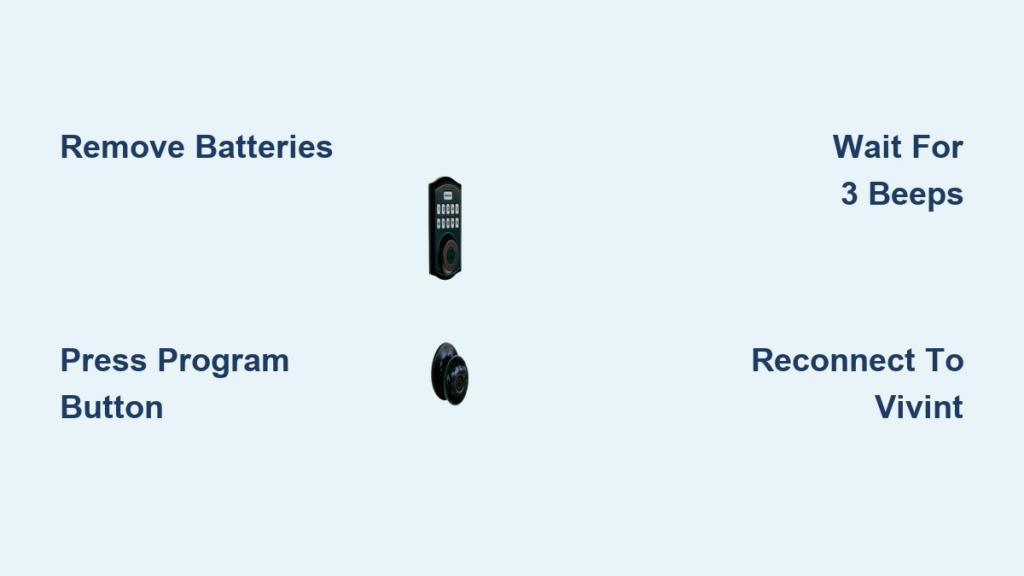
- Remove batteries completely and wait precisely 15 seconds to discharge residual power
- Reinsert fresh AA batteries while simultaneously pressing and holding the Program button located inside the battery compartment
- Continue holding the Program button for 12-15 seconds until you hear three distinct beeps
- Release the button when the LED indicator transitions from flashing red/green to solid blue
- Press the Program button once to confirm completion of the factory reset process
Verify Your Reset Was Successful
Test the default master code (typically 0-0-0-0 followed by the lock button) immediately after reset. The deadbolt should fully extend and retract with audible confirmation. Listen for the specific three-beep sequence that indicates successful reset—this differs from normal operation sounds and confirms the lock has cleared previous programming.
Check the LED status indicators carefully: a solid blue light typically means reset complete and ready for reprogramming, while alternating red/green flashes suggest the reset process didn’t complete properly. Repeat the reset procedure if indicators don’t match successful reset patterns, allowing 30 seconds between attempts for the system to fully power down.
Reestablish Vivint System Connection After Reset
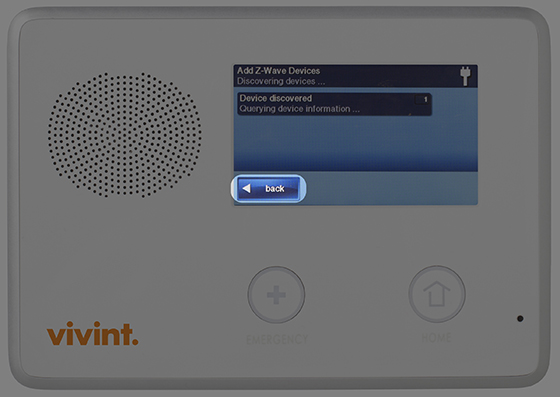
Complete Z-Wave Reintegration Process
Launch your Vivint app and navigate through Devices > Locks > Add Device to initiate the pairing sequence. The app will begin searching for Z-Wave devices within communication range of your Vivint hub—typically 30-50 feet in open space, though walls and interference may reduce this distance.
Activate inclusion mode on your Kwikset lock by pressing the Program button once. The LED will flash blue rapidly when the lock enters discovery mode and is ready to pair with your Vivint system. Maintain this position for the full 60-second pairing window to ensure successful connection.
Wait for confirmation in the Vivint app, which typically takes 30-60 seconds. The system will assign a new device ID and prompt you to name your lock for easy identification within your security ecosystem. Choose a descriptive name like “Front Door Lock” rather than generic terms to avoid confusion with other devices.
Validate Full Smart Features Restoration
Test remote commands from multiple locations—inside your home, at the end of your driveway, and from a neighboring property. Measure response times carefully; successful Vivint integration should respond to lock/unlock commands within 8-12 seconds under normal conditions.
Verify all user codes programmed through the Vivint app function correctly on the physical keypad. Check notification settings to ensure lock/unlock events, failed attempt alerts, and low battery warnings are properly configured and delivering to your preferred devices.
Troubleshoot Common Reset Failures

Address Power-Related Reset Issues
Replace batteries with brand new alkaline cells rated at 1.5V each—even if existing batteries appear functional. The discontinued 888 model’s aging circuitry often requires maximum voltage for successful reset sequences, and weak batteries cause inconsistent reset behavior that mimics hardware failure.
Clean all electrical contacts with a dry microfiber cloth before attempting another reset. Focus on the battery terminals inside the compartment and the metal contacts where the Z-Wave module connects. Gentle rubbing removes oxidation that can interfere with the electrical signals needed for proper reset execution.
Interpret Critical Error Signals
Three rapid beeps followed by silence indicates successful reset regardless of LED behavior—a reliable confirmation signal many users miss when focusing solely on visual indicators. Continuous beeping without pattern typically signals a hardware failure requiring professional service, especially common in discontinued models where internal components have degraded over time.
No response after multiple reset attempts often points to Z-Wave communication breakdown rather than lock malfunction. Temporarily relocate your Vivint hub closer to the lock (within 10 feet) during reconnection attempts to rule out signal strength issues before concluding the lock has failed.
Restore Essential Security Features Post-Reset
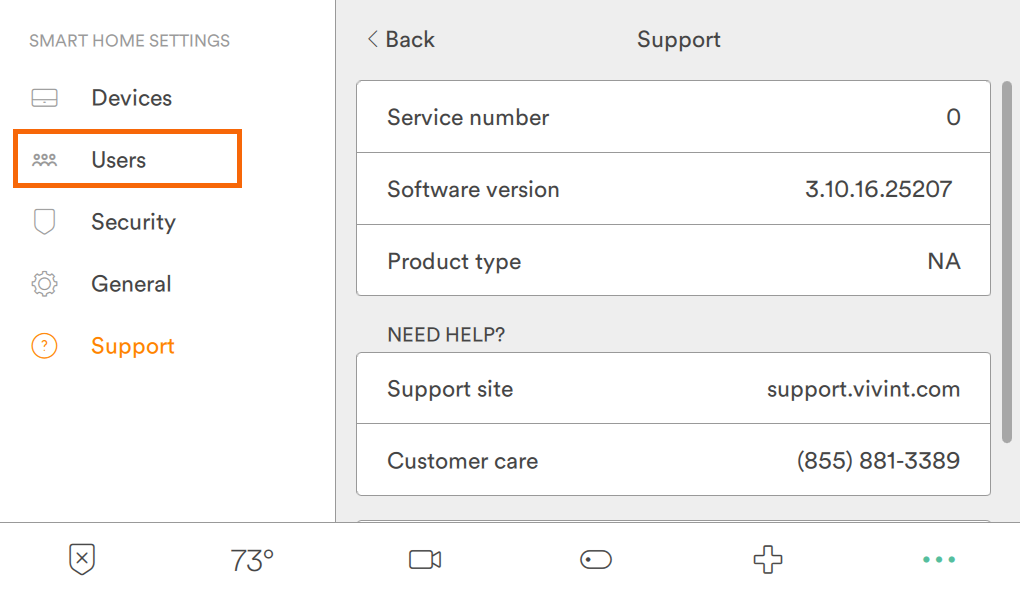
Reprogram Access Codes Strategically
Establish your new master code first using 6-8 digits that avoid predictable patterns like birthdays or sequential numbers. Test this code thoroughly by locking and unlocking multiple times before adding secondary user codes to ensure reliable functionality.
Create time-limited access codes for service providers through the Vivint app rather than the physical keypad. These temporary codes automatically expire after 24 hours and appear in your activity log, providing both convenience and security when granting short-term access.
Enable dual-factor verification for critical operations like changing the master code. This security feature requires both the physical keypad and Vivint app confirmation, adding protection against unauthorized reprogramming attempts.
Optimize Vivint Smart Home Integration
Configure automatic relock settings through the Vivint app to secure your door after 60-90 seconds of being left unlocked. Adjust this timing based on your household’s entry/exit patterns to balance security with convenience—shorter intervals for busy households, longer for those with frequent comings and goings.
Set up activity-based notifications that alert you to specific events like unlocked doors after 10 PM or multiple failed access attempts. Customize notification delivery to ensure critical alerts reach your primary device immediately while less urgent notifications can wait until morning.
Link your lock to security scenes that trigger when the lock engages or disengages. A “Goodnight” scene could lock all doors, arm the security system, and turn off lights simultaneously with a single command, creating seamless security routines.
Maintain Your Discontinued Lock Long-Term
Implement Proactive Maintenance Routine
Replace batteries every 9-10 months regardless of low battery warnings. The discontinued 888 model’s Z-Wave communication degrades as batteries weaken, causing intermittent connectivity issues that mimic more serious malfunctions.
Perform quarterly contact cleaning using a dry cotton swab on all electrical connection points. Apply dielectric grease sparingly to battery contacts to prevent future oxidation—this simple step significantly extends the functional life of aging smart lock components.
Document each reset attempt with dates, methods used, and outcomes. This troubleshooting log proves invaluable when communicating with Vivint support about recurring issues and helps identify patterns that might indicate developing hardware failures.
Consider a strategic upgrade path since the 888 model is discontinued. Research Vivint’s current lock offerings that maintain your existing keyway configuration, allowing you to keep your physical keys while gaining modern features and continued manufacturer support.
Remember that each successful reset of your discontinued Kwikset 888 SmartCode lock extends its usable life, but don’t wait for complete failure before planning an upgrade. With proper maintenance, these aging smart locks can continue providing reliable service for months or even years—but having a replacement strategy ready ensures you won’t face an emergency lockout when the inevitable hardware failure finally occurs. Your ability to perform this reset successfully means you’ve bought valuable time to research replacement options without the pressure of immediate lockout.



